

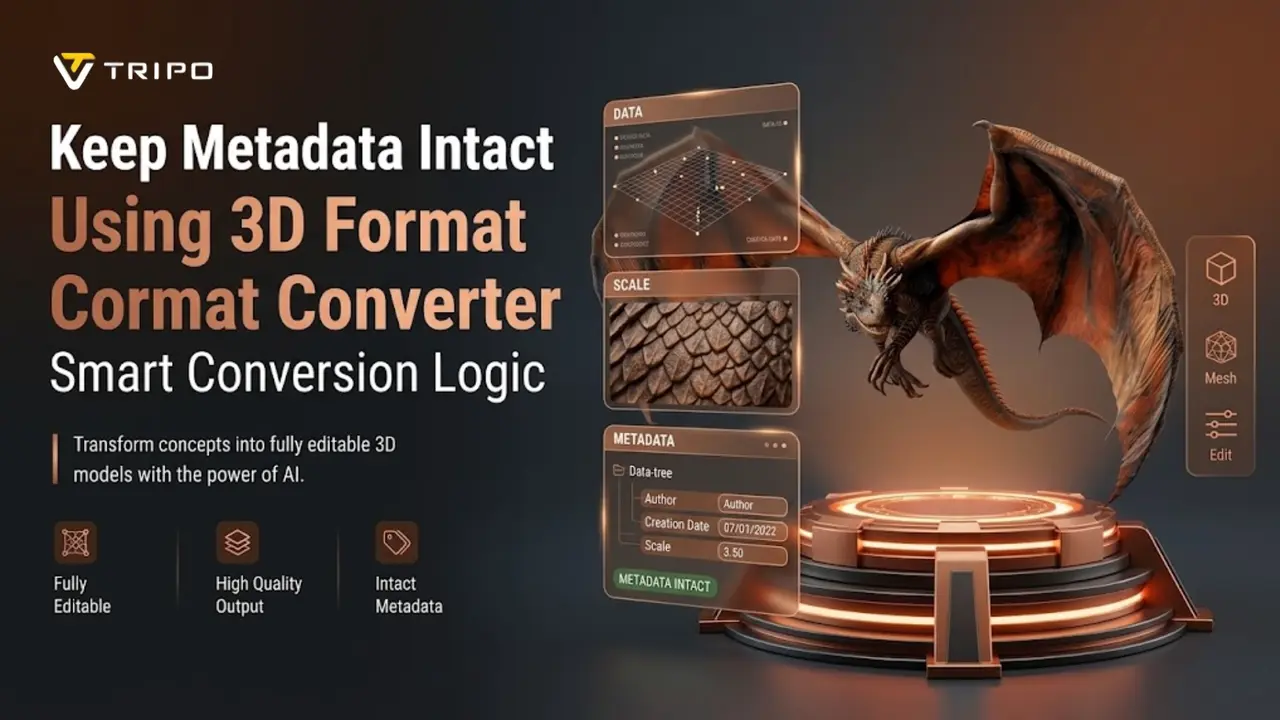
Metadata is an important part of the modern 3D model creation and asset management systems. It is the definition of the behavior of models between tools and platforms. The Tripo 3D format converter's smart conversion logic is designed to preserve this hidden but essential data layer. Models are devoid of structure, scale, and relational clarity during transfer without metadata. This information helps maintain consistency in design, animation, and rendering environments. This article explains how smart conversion logic helps preserve metadata integrity in 3D workflows.
Understanding Metadata in Modern 3D Workflows
Metadata is information that is not visual and embedded in model files in 3D workflows. It includes hierarchy information, units, camera information, and scene descriptions. This structure is used to maintain consistency during conversion with Tripo 3D. Metadata is used in many pipelines to support data exchange between applications like Blender and Maya. It also helps in the asset organization in complex production environments. In workflows such as photo to 3d model, metadata can help preserve spatial accuracy and scene relationships. Models tend to become out of sync and lose context without structured metadata. Consistent interpretation allows assets to behave predictably across systems. This improves coordination between modeling, rendering, and real-time applications.

Smart Conversion Logic and Data Preservation Principles
During file format conversion, smart conversion logic is used to preserve structural information. With the intelligent mapping, embedded data layers are preserved in the Tripo 3D format converter. This includes geometry alignment, hierarchy consistency, and transformation rules. Switching between formats such as OBJ, FBX, and GLB is less disruptive with this approach. A 3d converter must properly recognize both visual and non-visual elements. Tripo 3D performs this by analyzing scene graphs before conversion. It then creates equivalent structures in the target format. This minimizes inconsistencies when transferring across platforms. It also supports automatic correction of broken references through predefined logic. These functions can support continuity in editing and deployment processes.

Metadata Types Supported by Tripo 3D Format Converter
The Tripo 3D format converter supports numerous metadata categories used in professional workflows. These include unit systems that define scale across different engines. It also preserves object hierarchy, which is utilized to organize complex scenes logically. Camera information is stored to maintain consistent framing and perspective setups. Lighting metadata can be used to reconstruct environmental illumination setups. Material associations preserve texture relationships when changing formats. When supported by target formats, animation descriptors are also preserved. These metadata types help maintain organization during conversions. They also support smooth transfer between modeling, rendering, and simulation environments.
Steps to keep metadata intact using the 3D Format Converter smart conversion logic
Step 1: Access the intelligent conversion panel
- First, access the Tripo 3D official site. Next, go to the "Resources" tab and click on "Converter" under the "Tools" menu.
- This action will take you to the Tripo 3D formats conversion page.

Step 2: Load the source model information
- Now drag, upload, or paste the 3D model file for which you want to change the format in the "Source" area.
- Tripo AI's 3D file converter will automatically detect the file format and be ready to convert.

Step 3: Apply smart conversion and download
- Choose the new format to convert. You can select from the OBJ, USTZ, GLB, STL, PLY, and FBX. Finally, click the "Convert Now" tab.
- Your source 3D model file will be converted to another 3D format as you require. The file will be automatically downloaded and saved to your local device.

Essential Data Elements Preserved During Smart Conversion
- Unit Information: Ensures that measurements are consistent in various software environments.
- Scene Hierarchy: Preserves the relationships and structural grouping of objects.
- Camera Data: Saves camera settings for uniform framing of the scene.
- Lighting References: Saves lighting setups for reconstruction workflows.
- Material Associations: Maintains the material and surface associations.
- Project Attributes: Descriptive metadata for identification and re-use of assets.
These are the building blocks of structured 3D asset management. These components are kept intact during conversion workflows with Tripo 3D. This helps to keep multi-tool production environments and collaborative pipelines connected.
Maintaining Rich Asset Structures Across Formats
One important aspect is retaining asset structure when moving between formats. Tripo 3D format converter preserves texture alignment, UV mapping, and material relationships. It also supports PBR workflows to maintain consistent visuals across engines. When changing between file standards, scene integrity is maintained. If your workflow involves low poly 3d model optimization, metadata can preserve geometry relationships and structural context. If available, animation data and rig association are stored. This supports smoother transitions between design, simulation, and rendering environments. Structured conversion reduces rework during asset integration stages. It also helps maintain consistent visualization across different platforms.

Benefits of Metadata Preservation for Workflow Continuity
Preserving metadata supports workflow continuity in 3D production pipelines. It provides a structured approach to organizing assets with layered information. Tripo 3D format converter works with the most popular design softwares. This helps reduce inconsistencies when transferring assets between platforms. It also makes it easier to keep track of model versions and scene updates. Uniform metadata enables faster retrieval of assets in large libraries. It also improves compatibility with game engines and visualization systems. Retaining structured data supports scalable project management across teams. This supports smoother coordination between modeling, animation, and rendering stages.
Conclusion
Metadata has become an important part of the 3D asset workflow today. Tripo 3D format converter uses smart conversion logic to preserve structural and descriptive data during transitions. Preserved metadata supports stable integration across multiple platforms and tools. It also helps reduce inconsistencies in complex production pipelines. Structured conversion processes improve asset organization and interoperability while supporting smooth transitions and reliable data retention.

